
Using Your Dashboard
Our dashboard makes it easy to manage your data and profile settings
Your dashboard provides access to all the information , data and files you can add. This makes it easy to record your wishes and other details. Simply click on a link in your dashboard, and the relevant section will open.
Always save your work
Save your work frequently, and don’t leave your Lifebook Memories screen without a final save if you are interrupted.
Note: If your screen has not been active for 15 minutes, you will be automatically logged out. This Is a security feature.

My Data
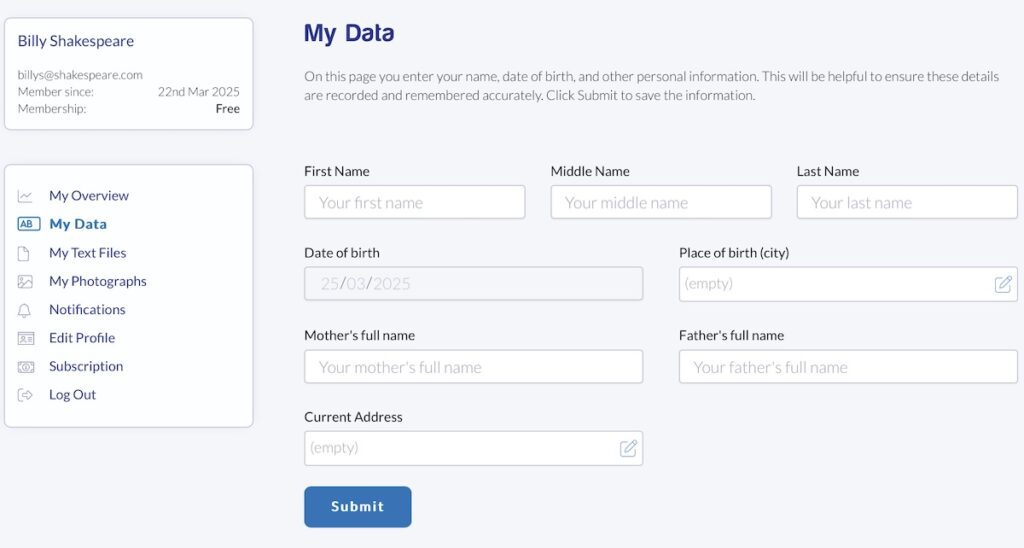
The My Data option opens a form where you enter your name, date of birth, your parents’ full names and your current address. It also has areas for your Funeral Insurance and Prepaid Funeral details, if you have either or both.
Click Submit to save the information.
My Text Files
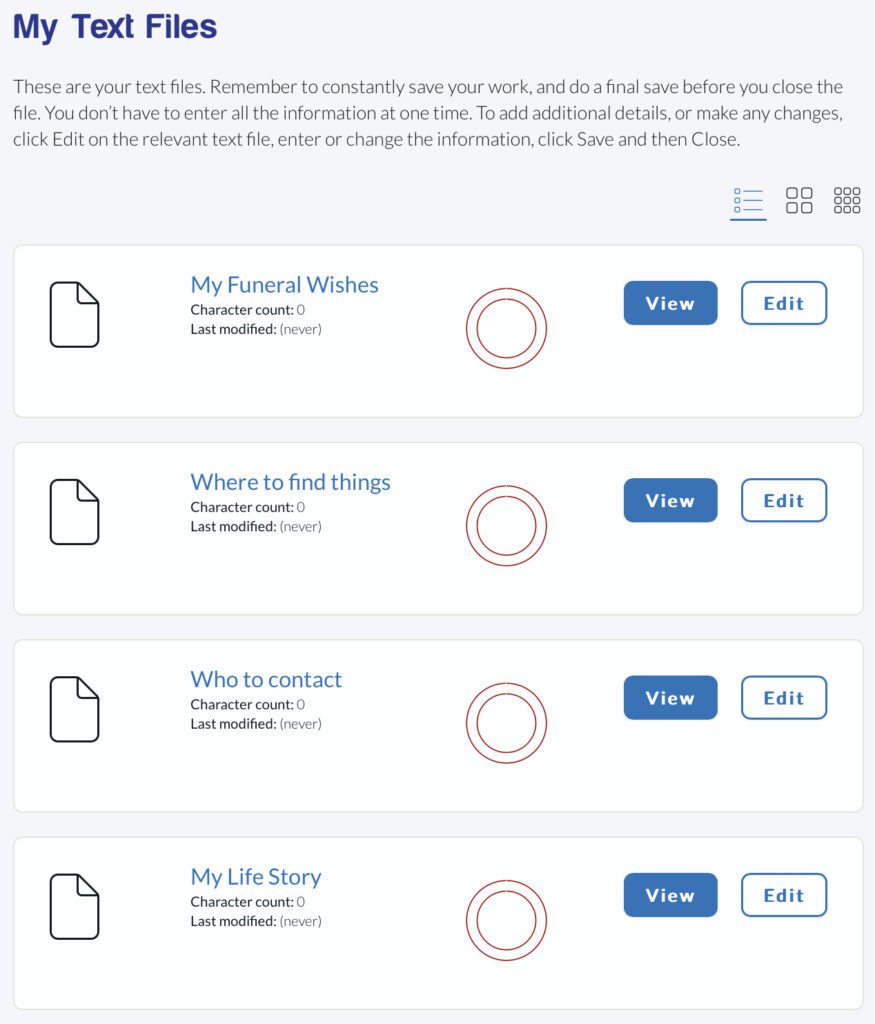
You can enter as much information into the available text files as you like. If you want to add a considerable amount of content, we recommend that you use sub-headings to break the text up into a logical sequence. It’s also a good idea to use paragraphs to add spacing, because large blocks of text can be difficult to read.
Remember to constantly save your work, and do a final save before you close the file.
You don’t have to enter all the information at one time. To add additional details, or make any changes, click Edit on the relevant text file, enter or change the information, click Save and then Close.
You can also choose from three ways of listing your files on your dashboard – a stacked list, a large grid and a small grid. Choose whichever you prefer.
My Funeral Wishes
Describe your preferences for your final life celebration service, making sure those closest to you know your wishes. Add details such as your preferred style of ceremony, whether you want to be buried or cremated - and if you want a cremation, how you want your ashes to be handled.
Add any specific requests for the service. Add the names of your favourite pieces of music, and any specific requests for the service. This file will give you peace of mind that your final farewell aligns with your values and beliefs.
Where to find things
It’s vital to let people know where you keep your major documents, essential belongings, jewellery and other personal effects. Your will is very important, so make sure it’s up to date to reflect your wishes, and that you clearly state where it can be found.
Other information could be financial records, legal documents, bills, like utilities, rate notices, and credit card statements. You’ll also need to supply any passwords to your online files or bank accounts.
Who to contact
Add the names of people who should be notified in the case of an emergency, or of your passing. This could include family members, close friends, legal and financial advisers - anyone you want to be contacted. It could be a good idea to check your mobile phone to make sure you Include all the people you want notified. Add their phone numbers, and email addresses so people can reach out to them when it’s important.
My Life Story
While it could be tempting to write about your life in a chronological manner, it could be useful to add headings to keep some sort of order. Writing about your life as a story from your childhood to your later years, with everything in between, can be daunting for you - and for the guests you’ve invited.
Think of the My Life Story text file as a memoir. It’s not what you did in your life, but what you did with your life that makes it interesting. No doubt you’ll have a chuckle at some of the funny events you experienced, or maybe feel sad that some of the people in your life are no longer around.
If you’re not sure where to start, think of your childhood memories you may have shared with your siblings, or school friends. Any major milestones. Career highlights. Favourite things you liked to do. And what you’ve learnt in life.
And of course, you can always return to the file at a later date to add or change anything.
Stories I want remembered
This file is for any special stories about your life. It could also involve others, and how something happened. It could be how your met your partner, and the unforgettable experiences you had together which were so wonderful you had to share them.
If you don’t have any stories to include here, that’s not a problem. The file is named so it prompts you to write about things you do want to remember.
Funny things that happened
Most people have memories that make them laugh when they think back. These could be things you’ve observed, or it could be self-deprecating humour where you make fun of yourself. If it’s a funny situation, it depends on how you tell the story. Keep the tension going, then add your punch line. And as you start to write, more funny situations will come to mind.
The good thing is that you can constantly update this file as you think of more humorous situations or sayings to add.
My Photographs
Your photographs act as a visual narrative, highlighting different aspects of your life. So think about the photos that capture significant moments, like your childhood, your favourite pets, your first car, happy times with family and friends, your relationships. Keep them positive, and avoid any that could be upsetting or intrusive.
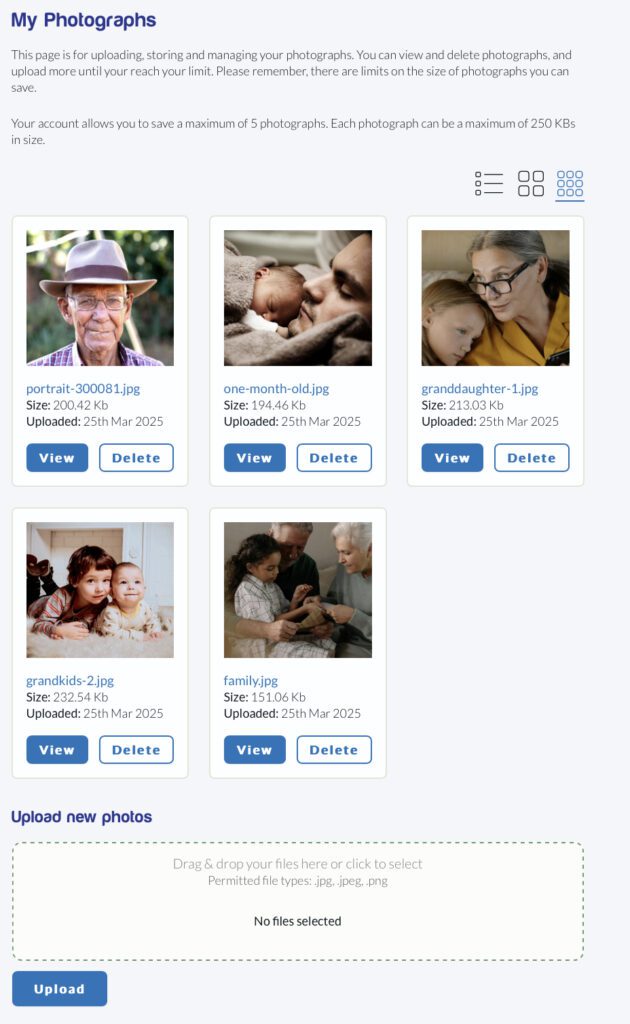
You can upload a maximum of 50 photographs, so make every one counts. To upload a file, you can either drag the photo and drop it in the Upload new photos space, or you can click there to select an image file from your computer. Then click the Upload button to upload the file.
And of course, you don’t have to upload all your photos at once. You can come back to upload more when you have time. If you decide to delete any of the photos, it’s a simple matter of clicking the Delete button, and confirming that action.
Your photographs are securely stored in the cloud. Again, you can also choose from three ways of listing your photographs on your dashboard – a stacked list, a large grid and a small grid. Choose whichever you prefer.
My Music
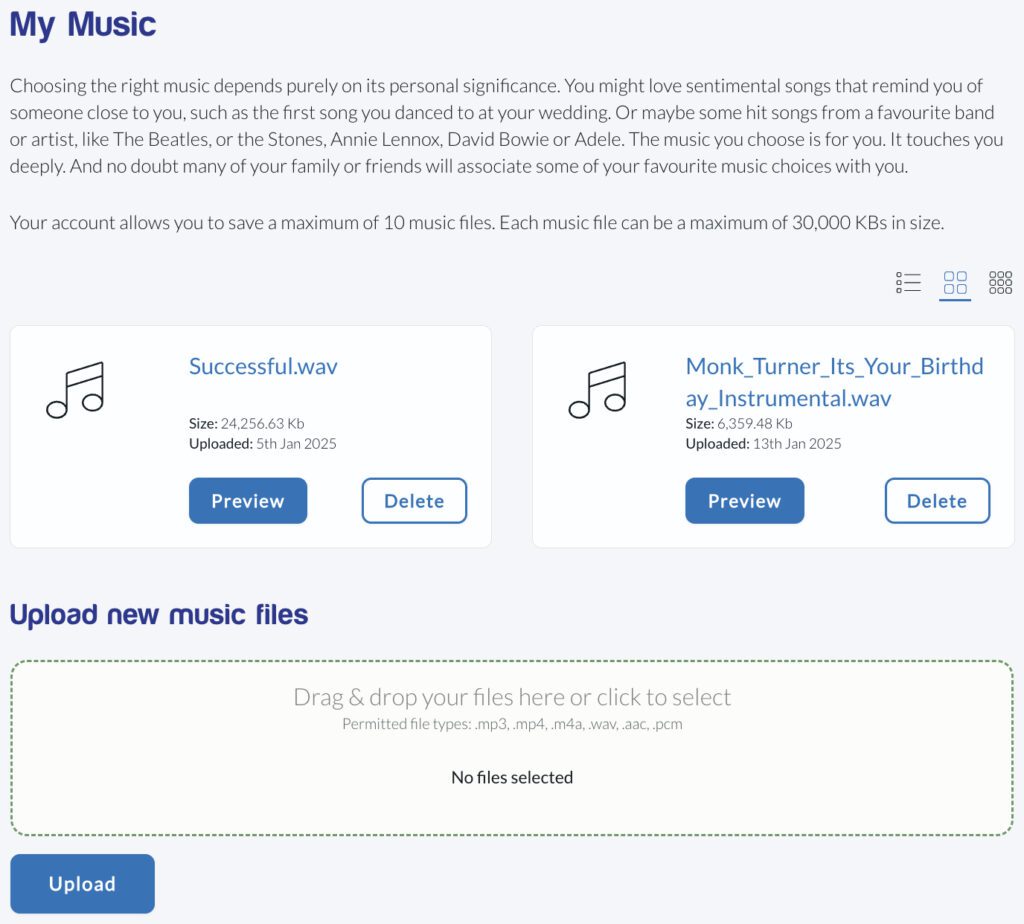
Choosing the right music depends purely on its personal significance. You might love sentimental songs that remind you of someone close to you, such as the first song you danced to at your wedding. Or maybe some hit songs from a favourite band or artist, like The Beatles, or the Stones, Annie Lennox, David Bowie or Adele. The music you choose is for you. It touches you deeply. And no doubt many of your family or friends will associate some of your favourite music choices with you.
You can upload up to 10 music files. To upload a music file, you can either drag the file and drop it in the Upload new music files space, or you can click in that space to select a music file from your computer. Then click the Upload button to upload the file.
My Videos
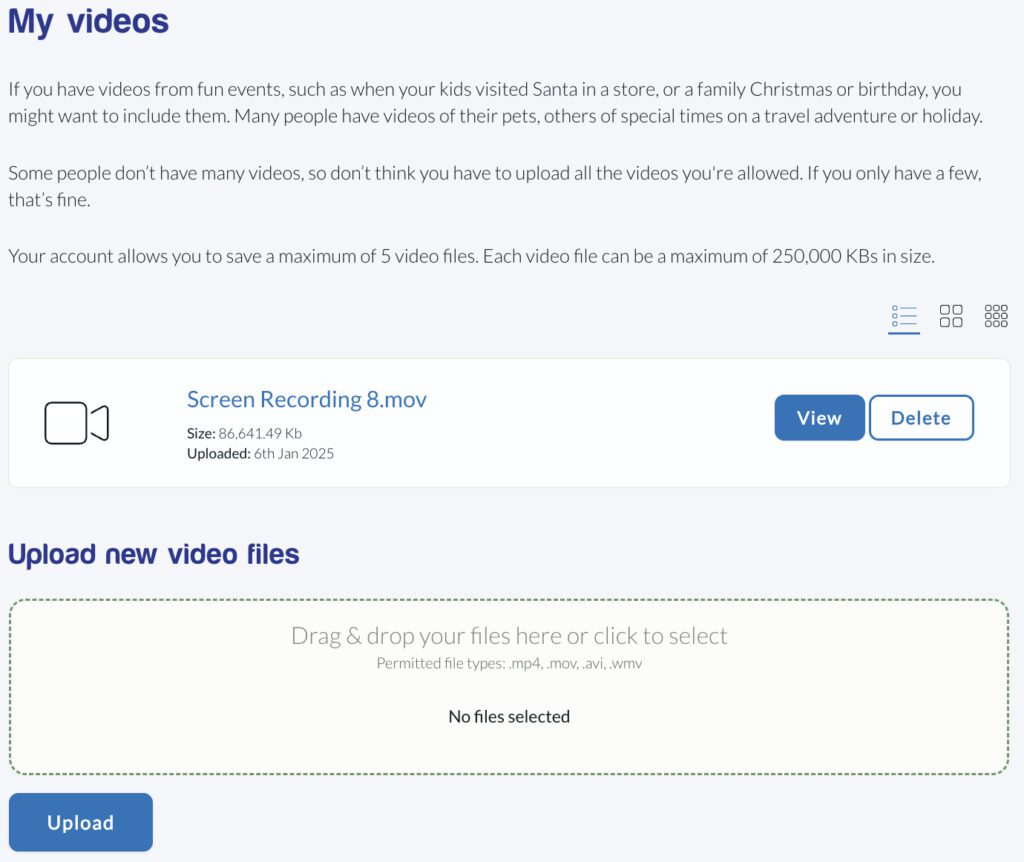
Lifebook Memories allows you to store up to 10 videos. So if you have videos from fun events, such as when your kids visited Santa in a store, or a family Christmas or birthday, you might want to include them. Many people have videos of their pets, others of special times on a travel adventure or holiday.
Some people don’t have many videos, so don’t think you have to upload 10. If you only have a few – or none – that’s fine.
To upload a video file, you can either drag the file and drop it in the Upload new video files space, or you can click in that space to select a video file from your computer. Then click the Upload button to upload the file.
My Guests
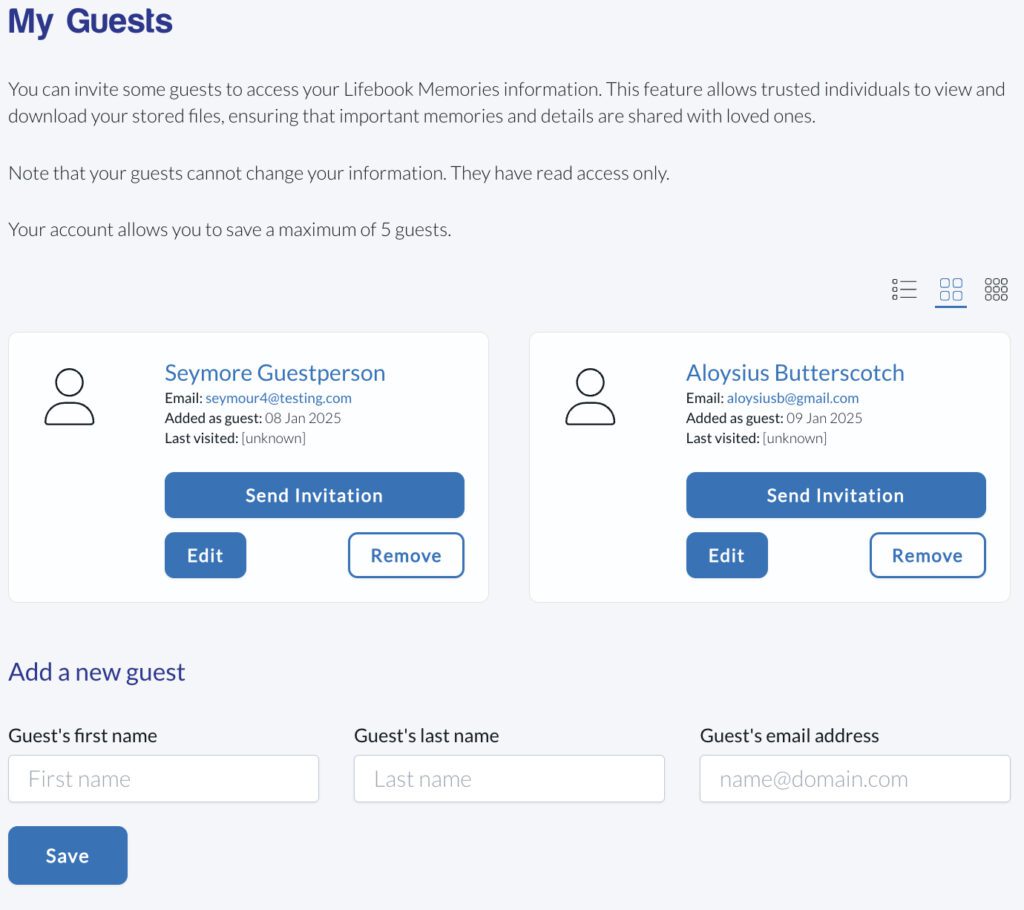
You can invite some guests to access your Lifebook Memories information. This feature allows trusted individuals to view and download your stored files, ensuring that important memories and details are shared with loved ones.
Note that your guests cannot change your information. They have read access only.
Select your guests
Choose trusted people to have access, entering the email address for each.
Send an invitation
Click the Send Invitation button for each guest. You’ll receive a message to notify you that an invitation has been sent. Your guest will receive an email with a link to your files.
Manage Invitations
You can add or remove guests at any time.
Notifications
Your notifications track all your account activity. Every time you perform some action, such as sending an invitation to a guest, uploading media files, or deleting a media file, this causes a notification to be added to your Notifications.
Edit Profile
If you want to change your password for any reason, this link opens a screen where you can enter your new password, confirm it and then click Change Password. You can also change your display name or email on this screen, then click Update Profile.
Log out
When you’re ready to stop working on your information, make sure you save what you’ve entered before you log out to close your session. Loggin out helps to ensure that your files and information are secure. You can log in again whenever you want to continue.